Admin experience
Modern glassmorphism interface
Refresh the WordPress backend with polished glass surfaces, contrast-conscious Dark and Light modes, color presets, and a configurable sidebar width.
Modernize the admin experience and manage content structures, security settings, optimization, caching and everyday site operations from one plugin.
These are real captures from v1.3.6, not conceptual mockups.
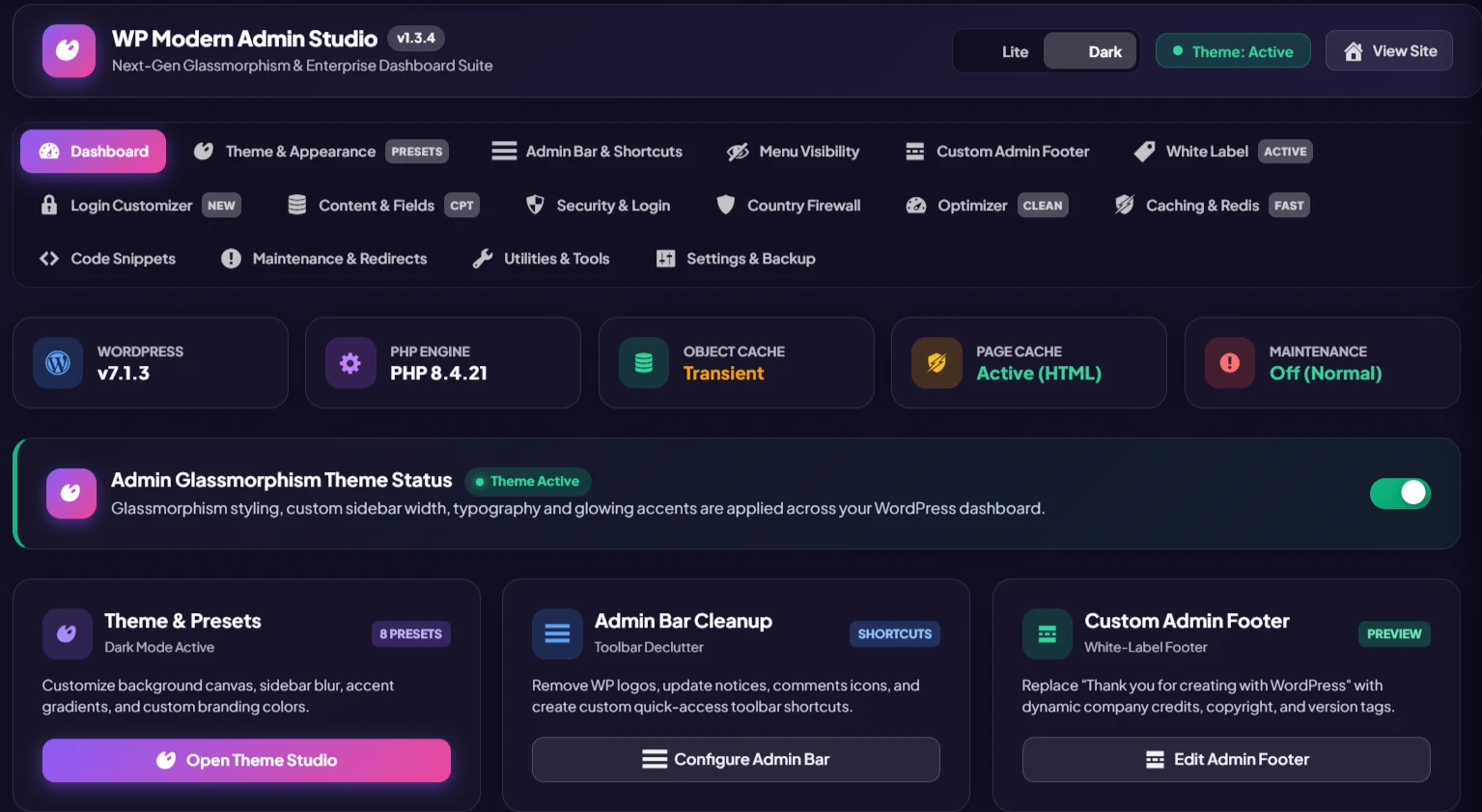
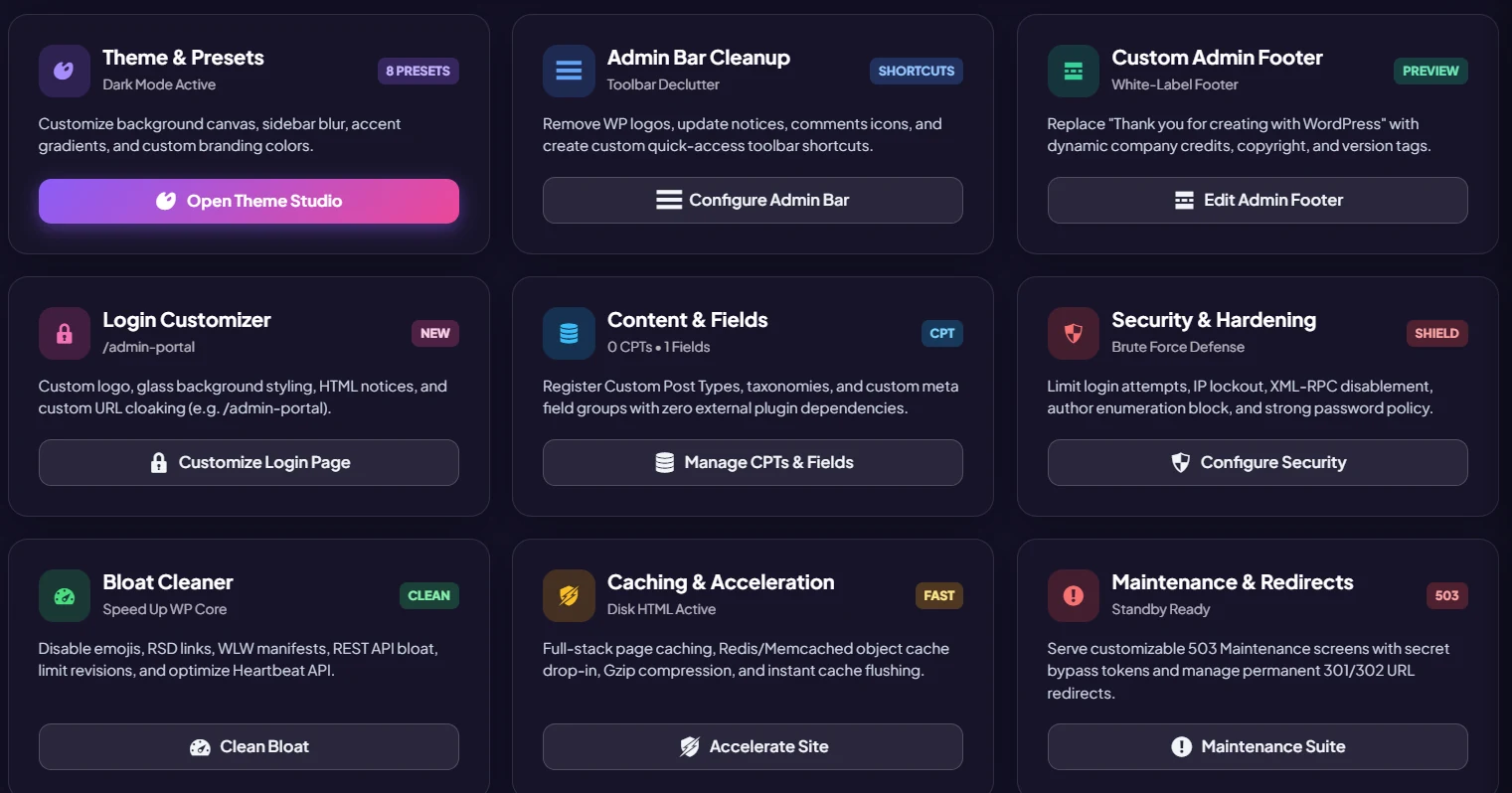
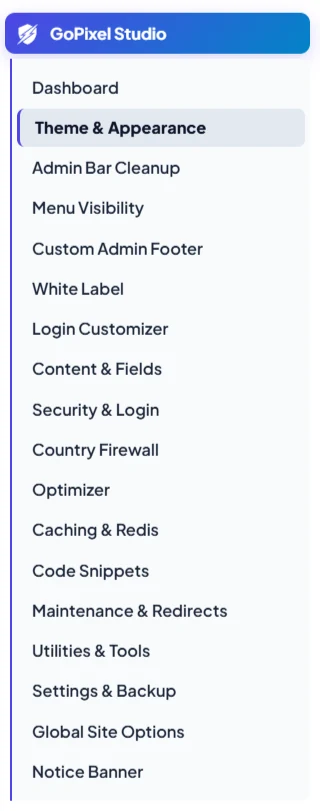
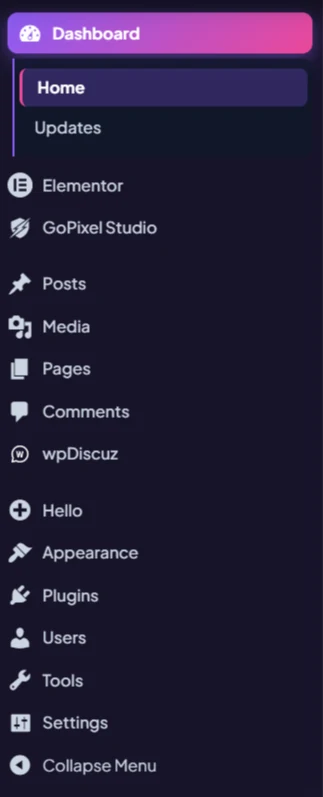
Refresh the WordPress backend with polished glass surfaces, contrast-conscious Dark and Light modes, color presets, and a configurable sidebar width.
Replace or hide the admin-bar logo, remove WordPress.org toolbar links, customize footer credit and version visibility, rebrand browser tab titles, and rename the Studio menu. The master switch is off by default and each area has its own toggle.
Customize login logo links, headings and titles; optionally hide login links or language switcher; hide selected WordPress dashboard widgets and non-admin update links; replace the email sender name and selected core wording.
Place your logo above the admin menu or in the admin bar, adjust selected WordPress branding elements, clean toolbar items, and add custom admin-bar links.
Optionally collect dashboard notices in a dedicated bell-style drawer instead of leaving every notice scattered across admin screens.
Hide or show admin menu items and submenus by role, using hide-from-roles or only-show-to-roles rules. Custom roles are supported.
Register custom post types and taxonomies with controls for labels, visibility, archives, REST exposure, hierarchy, supports and placement.
Build field groups with multiple field types and assign them to supported post types; integrate field data into page-builder workflows.
Attach field groups to options pages and save site-wide settings. Read saved values with the [mwp_option] shortcode or get_option() using the mwp_opt_ prefix.
Speed up editorial workflows with content duplication and drag-and-drop ordering for supported content types.
Enable additional image formats with sanitization for SVG uploads. Review upload policies and test with your site's existing security setup.
Use a custom login slug and optionally return a 404 for requests to the standard login endpoint. WooCommerce compatibility is included in the settings.
Limit failed login attempts and configure a lockout duration to add a practical layer against repeated login guessing.
Configure available 2FA methods and choose the user roles that should be required to use them.
Set password-strength requirements, limit login identifiers, configure role-based login/logout redirects and customize the login page.
Toggle XML-RPC protection and options that reduce selected public metadata and author/email exposure.
Set country block or allowlist rules with a custom 403 message. Cloudflare country headers are supported with a cached lookup fallback; unknown locations fail open.
Disable selected features such as feeds, embeds, emojis, Dashicons on the frontend, jQuery Migrate, generator metadata, author archives and other optional components.
Configure HTML page caching and related HTTP/browser cache headers from the plugin's caching tools. Results depend on the site stack and configuration.
Install the supplied object-cache drop-in for persistent object caching with supported Redis or Memcached setups. Check hosting requirements first.
Organize CSS, SCSS, JavaScript, HTML and PHP snippets with enablement and placement controls. Only add code you trust.
Publish a customizable HTTP 503 maintenance screen with bypass tokens and manage 301/302 redirects, including supported pattern rules.
Hide selected toolbar elements and frontend admin bar visibility for chosen roles to reduce clutter for client-facing or limited-access accounts.
New installations keep higher-impact features opt-in, including security enforcement, caching, snippets, redirects, demo content structures and SVG uploads. Review and enable only what your site needs.
Exported plugin ZIPs retain configured custom post types, taxonomies, field groups, options pages, snippets, redirects, custom code and saved settings. The export dialog also reports the generated file count.
The bundled uninstall routine removes plugin-owned options, transients, cache files and the managed object-cache drop-in when the plugin is deleted. It does not delete posts or user content.
Includes dashboard conveniences and interface refinements such as active plugins first and media-library infinite-scroll options.